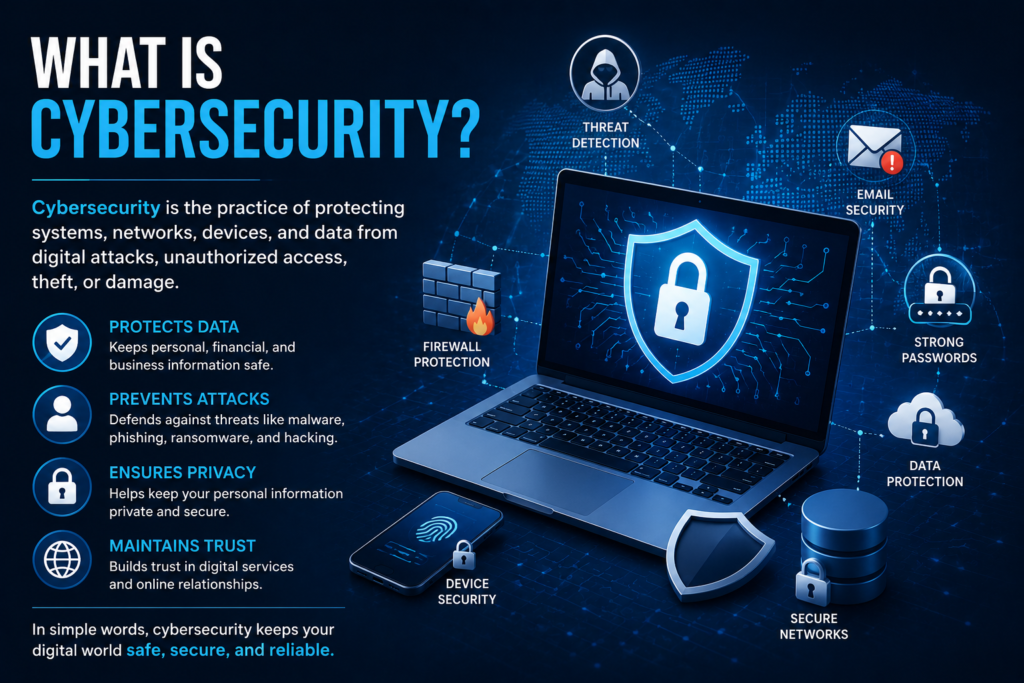

Device Security
 Tayyaba
How to Protect Your Computer, Laptop, and Smartphone
Today, our devices are an important part of everyday life. We use computers, laptops, tablets, and smartphones for work, education, communication, shopping, entertainment, and storing personal information.
Because so much important information is stored on these devices, device security has become an essential part of cybersecurity. A compromised device can expose personal files, passwords, photos, accounts, and other sensitive information.
The good news is that you can improve your device security with a few simple and consistent habits.
What Is Device Security?
Device security refers to the tools, settings, and practices used to protect computers, laptops, smartphones, and other digital devices from unauthorized access, malware, data theft, and other cyber threats.
Device security can include:
- Strong passwords and screen locks
- Software updates
- Security software
- Secure Wi-Fi connections
- App permissions
- Data backups
- Multi-factor authentication
- Safe browsing habits
The goal is to make your device harder for unauthorized users and malicious software to compromise.
Why Is Device Security Important?
A device may contain a large amount of personal information. For example, your laptop or smartphone might store email accounts, saved passwords, documents, photos, contacts, and access to social media.
Without appropriate security measures, attackers may be able to gain unauthorized access to accounts or information.
Good device security can help protect against:
- Malware
- Phishing attacks
- Unauthorized access
- Account compromise
- Data theft
- Malicious applications
- Security vulnerabilities
- Loss of important files
Common Device Security Threats
1. Malware
Malware is malicious software that can harm a device, steal information, or perform unauthorized activities.
Different types of malware include viruses, spyware, trojans, worms, and ransomware.
Avoid downloading software from suspicious websites and keep your operating system and applications updated.
2. Unsecured Wi-Fi
Public or unfamiliar Wi-Fi networks can create security risks, particularly when users access sensitive accounts without appropriate protection.
When using a network you do not fully trust, avoid entering sensitive information unless you are confident the connection and website are secure.
3. Outdated Software
Cybercriminals can sometimes exploit known security vulnerabilities in outdated software.
That is why operating system, browser, and application updates are important.
Enable automatic updates when appropriate so security patches can be installed promptly.
4. Weak Screen Locks
A device without a strong screen lock can be easier for someone with physical access to use.
Use a strong PIN, password, fingerprint, or other security feature supported by your device.
5. Suspicious Apps
Not every application is trustworthy. Some apps may request unnecessary permissions or come from unreliable sources.
Download applications from official or reputable stores whenever possible, and review the permissions an app requests.
How to Improve Device Security
Keep Your Operating System Updated
One of the easiest ways to improve device security is to keep your operating system updated.
Updates can include:
- Security patches
- Bug fixes
- Performance improvements
- New security features
Whether you use Windows, Android, iOS, macOS, or another platform, check regularly for available updates.
Use Strong Passwords
Your device and important online accounts should be protected with strong, unique passwords.
Avoid using easily guessed information such as:
- Your name
- Birthday
- Simple number combinations
- Common words
- The same password everywhere
For important accounts, consider using a password manager to generate and store unique passwords.
Enable Multi-Factor Authentication
Multi-factor authentication, commonly called MFA, adds another layer of security.
With MFA enabled, signing in may require both your password and an additional verification method.
Even if someone obtains your password, MFA can make unauthorized access more difficult.
Install Security Software
Security software can help detect and protect against various types of malicious activity.
For computers, use reputable built-in or third-party security solutions and keep them updated.
Do not install multiple security programs that conflict with each other unless you know they are designed to work together.
Secure Your Smartphone
Smartphones contain valuable personal information, so mobile security is just as important as computer security.
Follow these practices:
- Keep your phone updated.
- Use a secure screen lock.
- Install apps from trusted sources.
- Review app permissions.
- Avoid suspicious links.
- Remove applications you no longer need.
- Turn on available account security features.
Protect Your Laptop
Laptops are frequently used for work, education, browsing, and storing documents.
To improve laptop security:
- Use a strong login password.
- Keep the operating system updated.
- Enable built-in security features.
- Avoid suspicious downloads.
- Back up important files.
- Lock your laptop when you are away.
- Be careful when connecting unknown USB devices.
Back Up Important Files
Even with strong security, devices can fail, become lost, or be affected by malware.
Regular backups can help you recover important information.
Consider backing up important:
- Documents
- Photos
- School or work files
- Videos
- Project files
For important information, maintaining more than one backup can provide additional protection.
Be Careful With USB Devices
Unknown USB drives can potentially contain malicious software.
Do not automatically connect an unfamiliar USB device to your computer. If you need to use external storage, make sure it comes from a trusted source and use appropriate security precautions.
Lock Your Device When You Leave
Physical security is an important part of device security.
Whenever you leave your computer unattended, lock the screen. On a smartphone, use an automatic screen-lock feature.
This simple habit can prevent someone nearby from accessing your device without permission.
Device Security Checklist
| Security Step | What You Should Do |
|---|---|
| Software Updates | Install security updates regularly |
| Screen Lock | Use a strong PIN or password |
| Passwords | Use unique passwords |
| MFA | Enable multi-factor authentication |
| Apps | Download from trusted sources |
| Wi-Fi | Be cautious on unfamiliar networks |
| Backups | Back up important files |
| Security Software | Keep protection enabled and updated |
| USB Devices | Avoid unknown devices |
| Physical Security | Lock your device when unattended |
Device Security for Windows Users
Windows computers are widely used for work, education, and everyday tasks. Windows users should keep the operating system updated and use the security features included with the system.
Users should also avoid downloading pirated or suspicious software because unknown programs can create security risks.
Keep your browser, applications, and drivers updated where appropriate, and regularly review installed programs.
Device Security for Android and iPhone Users
Mobile devices should also be protected with basic security measures.
Android and iPhone users should:
- Keep the operating system updated.
- Use a secure screen lock.
- Download apps from official stores.
- Review app permissions.
- Avoid suspicious links.
- Protect important accounts with MFA.
- Enable device-finding features where available.
These steps can reduce common security risks and help protect personal information.
Final Thoughts
Device security is an important part of protecting your digital life. Your computer, laptop, and smartphone contain information that should not be easily accessible to unauthorized people or malicious software.
Keeping your software updated, using strong passwords, enabling multi-factor authentication, downloading trusted applications, backing up important files, and locking your devices are simple but effective security practices.
You do not need to be a cybersecurity expert to protect your devices. Start with these basic habits and make device security part of your everyday digital routine.