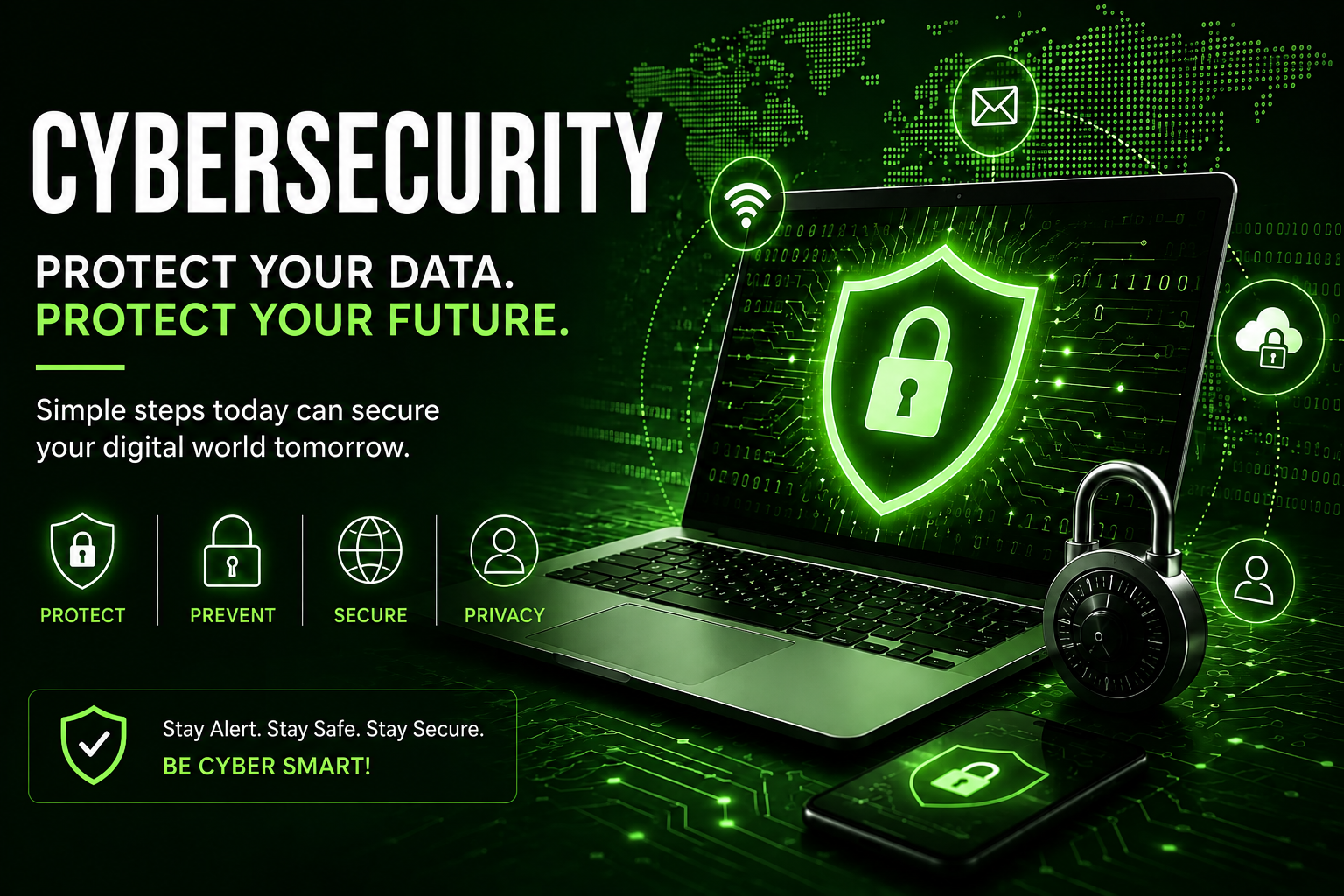
cybersecurity

Cybersecurity

How to Protect Your Data, Devices, and Online Accounts

In today’s digital world, almost everything we do depends on the internet. From online shopping and banking to social media, email, and cloud storage, our personal information is constantly connected to digital services. This makes cybersecurity more important than ever.

Cybersecurity is the practice of protecting computers, smartphones, networks, applications, and personal information from cyber threats. Whether you are a student, employee, business owner, or everyday internet user, understanding basic cybersecurity can help keep your digital life safer.

What Is Cybersecurity?

Cybersecurity refers to the technologies, practices, and processes used to protect digital systems and information from unauthorized access, theft, damage, or disruption.

Cyber threats can target individuals as well as large organizations. Attackers may attempt to steal passwords, access accounts, spread malicious software, or trick people into revealing sensitive information.

The main goal of cybersecurity is to protect three important areas:

  • Confidentiality: Keeping information accessible only to authorized people.
  • Integrity: Preventing unauthorized changes to data.
  • Availability: Making sure systems and information remain accessible when needed.

These three principles are commonly known as the CIA Triad and form an important foundation of cybersecurity.

Why Is Cybersecurity Important?

The amount of personal and business information stored online continues to grow. Passwords, financial information, emails, photos, documents, and other sensitive data can all become targets for cybercriminals.

Good cybersecurity practices can help protect you from:

  • Account theft
  • Phishing scams
  • Malware
  • Data breaches
  • Identity theft
  • Unauthorized access
  • Online fraud
  • Ransomware attacks

Cybersecurity is not only a concern for large companies. Individual internet users also need to take basic precautions.

Common Cybersecurity Threats

1. Phishing

Phishing is one of the most common online threats. In a phishing attack, a scammer may send a fake email, message, or website designed to look like a legitimate company or service.

The goal is usually to convince the victim to provide information such as a password or account details.

Safety tip: Always check the sender, website address, and message carefully before clicking links or providing information.

2. Malware

Malware is malicious software designed to interfere with a device, steal information, or perform other harmful activities.

Common types include:

  • Viruses
  • Trojans
  • Spyware
  • Worms
  • Ransomware

Keeping your operating system and security software updated can reduce your exposure to known threats.

3. Ransomware

Ransomware is a type of malware that can prevent users from accessing files or systems. Attackers may then demand payment in exchange for restoring access.

One of the best defenses against data loss is maintaining regular backups of important files.

4. Password Attacks

Weak or reused passwords can make online accounts easier to compromise.

Using a unique, strong password for every important account is an important cybersecurity habit.

5. Social Engineering

Social engineering involves manipulating people into revealing information or taking an action that benefits an attacker.

For example, someone may pretend to be a trusted organization and pressure a person to share information.

The best defense is to slow down and verify unexpected requests instead of reacting immediately.

How to Improve Your Cybersecurity

You do not need to be a cybersecurity expert to improve your online safety. A few simple habits can make a significant difference.

Use Strong and Unique Passwords

Avoid using simple passwords based on names, birthdays, or common words.

Instead, use long and unique passwords or passphrases. Never reuse the same password across multiple important accounts.

A password manager can also help you create and securely manage unique passwords.

Turn On Multi-Factor Authentication

Multi-factor authentication (MFA) adds another layer of protection to an account.

Instead of relying only on a password, MFA may require an additional verification method.

Whenever an important online service supports MFA, enabling it can provide additional protection against account compromise.

Keep Software Updated

Software updates often include security fixes for vulnerabilities.

Keep your:

  • Operating system
  • Web browser
  • Mobile apps
  • Security software
  • Important applications

updated whenever possible.

Be Careful With Links and Attachments

Do not automatically trust links or attachments received through unexpected emails or messages.

Before clicking, ask yourself:

  • Do I recognize the sender?
  • Was I expecting this message?
  • Does the link go to the correct website?
  • Is the message creating unnecessary urgency?

If something seems suspicious, verify it through an official channel.

Back Up Important Data

Regular backups can help protect important documents, photos, and other files if a device is damaged, lost, or affected by malware.

For particularly important information, consider maintaining more than one backup.

Secure Your Wi-Fi Network

Your home Wi-Fi network should use a strong password and modern security settings supported by your router.

Also, change default administrator credentials when setting up a new router.

Cybersecurity for Smartphones

Smartphones contain a large amount of personal information, making mobile security important.

To improve smartphone security:

  • Keep the operating system updated.
  • Download apps from trusted app stores.
  • Review app permissions.
  • Use a screen lock.
  • Avoid connecting to suspicious networks.
  • Enable account security features.
  • Remove apps you no longer use.

Be especially careful when an app requests permissions that do not seem necessary for its purpose.

Cybersecurity for Businesses

Businesses face additional cybersecurity challenges because they manage customer information, employee accounts, financial data, and internal systems.

A basic business cybersecurity strategy should include:

  1. Employee security awareness training
  2. Strong password policies
  3. Multi-factor authentication
  4. Regular software updates
  5. Data backups
  6. Access controls
  7. Security monitoring
  8. Incident response planning

Cybersecurity should be treated as an ongoing process rather than a one-time setup.

How to Recognize a Suspicious Website

Before entering personal information on a website, look carefully at its address and overall behavior.

Warning signs can include:

  • An unusual or misspelled domain name
  • Unexpected requests for sensitive information
  • Excessive urgency or threats
  • Suspicious downloads
  • Poorly written messages
  • Unexpected payment requests

Remember that a website looking professional does not automatically mean it is trustworthy. Verify important requests through a trusted source.

Cybersecurity Best Practices Checklist

Here is a simple cybersecurity checklist you can follow:

Security PracticeRecommended Action
PasswordsUse strong and unique passwords
MFAEnable multi-factor authentication
UpdatesInstall security updates regularly
PhishingVerify unexpected messages
BackupsBack up important files
Wi-FiUse strong router credentials
AppsDownload from trusted sources
PrivacyReview account and app permissions
DevicesUse screen locks and security features
AwarenessStay informed about common scams

The Future of Cybersecurity

Cybersecurity will continue to evolve as technology changes. Artificial intelligence, cloud computing, connected devices, mobile technology, and other digital services are creating new opportunities as well as new security challenges.

Organizations and individuals will need to continuously improve their security practices and learn how to recognize emerging threats.

The future of cybersecurity is not only about advanced security software. Human awareness will remain an important part of preventing cyber incidents.